
The way we watch television is changing rapidly. Many Australians are now moving away from traditional broadcast methods to embrace the flexibility of modern digital platforms. This shift is revolutionising how we enjoy our favourite live sports, global news, and on-demand cinema at home.
Navigating this new landscape might feel overwhelming at first. Whether you are a tech enthusiast building a dedicated home cinema or simply looking for a simpler, cost-effective way to watch TV, finding a reliable IPTV service is essential.
In this comprehensive guide, we walk you through the core technical criteria, legal requirements, hardware setups, and feature evaluations needed to identify the best IPTV service for your household.
Key Takeaways
- ✓ Flexible Entertainment: Replace rigid broadcast schedules with on-demand playback, pause/rewind capabilities, and cloud DVR.
- ✓ Cost Efficiency: Transitioning to an affordable IPTV service eliminates expensive long-term cable contracts and hardware lease fees.
- ✓ Network Stability: Achieving buffer-free HD and 4K playback requires matching your plan to your connection speeds on the NBN Co network.
- ✓ Global Access: Enjoy domestic channels alongside thousands of international IPTV channels covering news, niche cinema, and live sports.
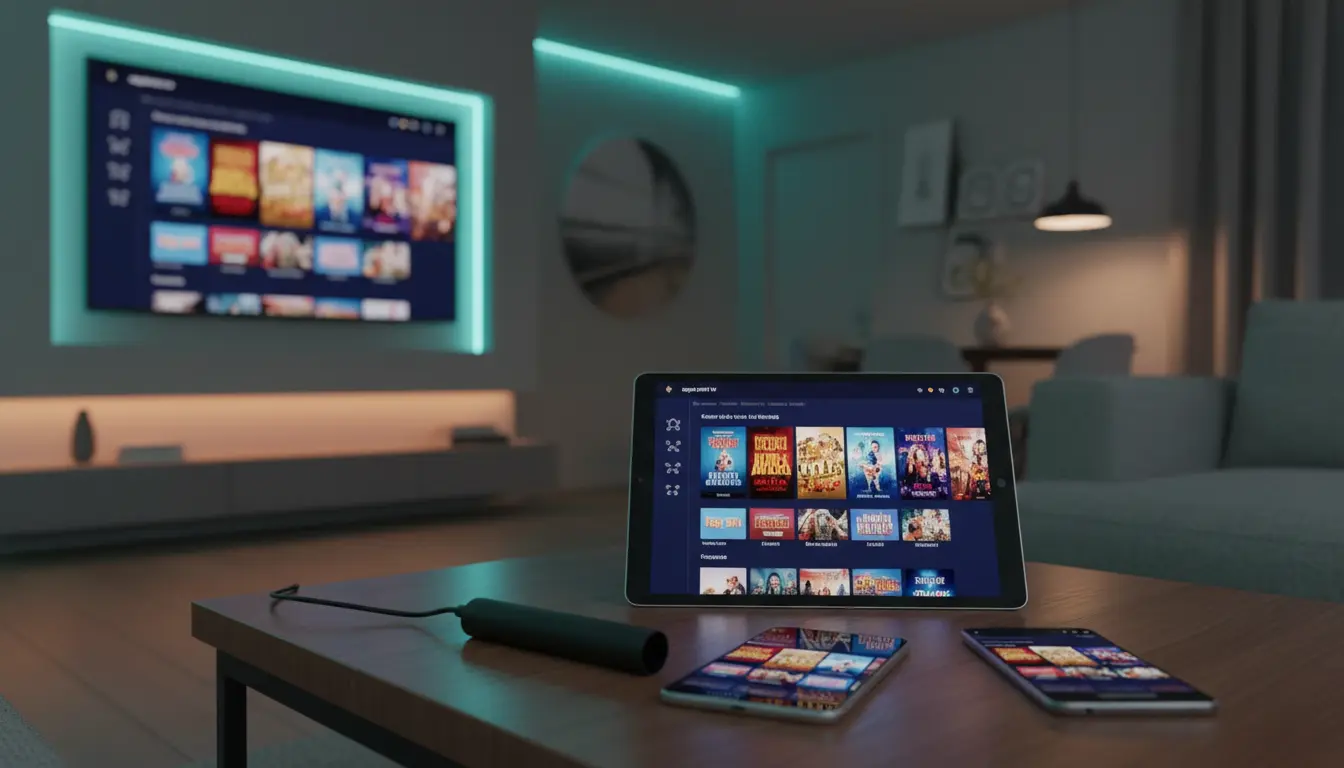
- ✓ Cross-Device Compatibility: Stream on Smart TVs, Amazon Firesticks, Apple TV, mobile devices, and gaming consoles under a single account.
What is IPTV?
At its core, the technology powering home entertainment has undergone a massive digital shift. Households across Australia are moving away from legacy infrastructure to embrace IPTV, which stands for Internet Protocol Television.
Unlike traditional cable or satellite systems that continuously broadcast signals over coaxial cables or satellite dishes, IPTV delivers media securely through the internet protocol suite over a packet-switched network.
                  HOW TRADITIONAL TV VS. IPTV WORKS

  Traditional Broadcast (Cable / Satellite)
  [ Transmitter ] ─── (Continuous All-Channel Broadcast) ───► [ TV Receiver ]

  Internet Protocol Television (IPTV)
  [ IPTV Server ] ◄─── (Specific Channel Requested) ─────── [ Smart Device ]
  [ IPTV Server ] ─── (Delivers Encoded Data Packets) ────► [ Buffer / Screen ]
When you select a channel or movie, your receiver requests that specific data stream from a remote server. The server breaks the video into small data packets, transfers them across your broadband connection, and reassembles them into a smooth video stream on your screen.
IPTV vs. Traditional Cable
| Feature | Traditional Cable / Satellite | Modern IPTV Service |
|---|---|---|
| Delivery Mechanism | Coaxial cable or satellite dish | High-speed Internet Protocol (IPTV) |
| Content Access | Scheduled broadcast feed | On-Demand & Live streaming |
| Required Infrastructure | Fixed hardware / set-top box | Network-based (Apps, Smart TVs, Streaming sticks) |
| Playback Features | Limited to local PVR boxes | Cloud DVR, Pause, Rewind, Multi-Screen |
| Contract Terms | 12 to 24-month fixed lock-in | Flexible month-to-month IPTV subscription |
Benefits of Switching to an IPTV Service
Traditional television setups struggle to keep up with modern viewing habits. Switching to an internet-based system provides distinct advantages:
1. Superior Cost-Effectiveness
By choosing an affordable IPTV service, you eliminate the high rental fees associated with legacy cable hardware. Most providers operate on transparent, month-to-month billing models without surprise price hikes or cancellation penalties.
2. Total Viewing Flexibility
Unlike standard TV, which forces you to be home at a specific broadcast time, IPTV puts you in total control. You can pause live broadcasts, catch up on missed episodes, or record live sports matches directly to cloud storage.
3. Expanded Access to International Content
In addition to domestic Australian television, an IPTV subscription grants access to thousands of international IPTV channels. Whether you want to follow European football leagues, Asian news, or foreign cinema, global content is available at your fingertips.
Comparing Leading Streaming Platforms
Finding a reliable IPTV service requires balancing channel selection, application stability, and server uptime. Before committing to a plan, consult consumer reviews on CHOICE Australia to evaluate platform performance across local devices.
| Platform / Provider | Monthly Range (USD / AUD) | Key Features | DVR Storage | Device Compatibility |
|---|---|---|---|---|
| YouTube TV | ~$72.99 / mo | Major US networks, local news, sports | Unlimited Cloud DVR | Smart TVs, Firestick, Apple TV, Mobile |
| Fubo | ~$79.99 / mo | Heavy sports emphasis, 4K streams | 1000 Hours DVR | Android TV, Apple TV, Roku, Consoles |
| Hulu + Live TV | ~$76.99 / mo | On-demand library bundle + live channels | Unlimited Cloud DVR | Smart TVs, Mobile, PC, Xbox/PlayStation |
| Australia-IPTV | Tiered (A$8,3 - A$19/mo) | International IPTV channels, PPV, 4K sports | Cloud / Local EPG | TiviMate, IPTV Smarters, XCIPTV |
How to Choose the Right IPTV Service for Your Home
Selecting the right provider is critical for long-term satisfaction. Keep these essential criteria in mind when auditing services:
- Assess Your Channel Needs: Don't pay for thousands of channels you will never watch. Prioritise providers that carry your "must-have" categories—such as live AFL/NRL sports, global news, or specialized entertainment.
- Evaluate Connection Stability: A provider must maintain high server uptime (99.9%) and utilize load-balanced CDN servers to prevent freezing during major sporting events.
- Inspect the EPG & Interface: Ensure the platform offers a clean Electronic Program Guide (EPG) that populates schedules quickly and logically.
- Test Customer Support: Verify that the service includes 24/7 IPTV support via live chat or ticket systems to handle account or stream troubleshooting.
How to Set Up Your IPTV Service
Getting your system up and running takes less than 10 minutes when following a structured setup routine.
- Prepare Hardware & Connection2 minutes
Connect your streaming box (Nvidia Shield, Amazon Firestick 4K, or Apple TV) to your TV via an HDMI 2.1 cable. For optimal performance, connect an Ethernet cable from your router directly to your device.
- Download the Player Application3 minutes
Navigate to the official Google Play Store or Apple App Store on your device and install a verified media player like TiviMate, IPTV Smarters Pro, or XCIPTV.
- Authenticate Account Credentials2 minutes
Open the application and select your login method (M3U Playlist URL or Xtream Codes API). Enter the username, password, and server URL provided in your activation email.
- Configure EPG & Hardware Decoding3 minutes
Go to app settings, set Video Decoder to Hardware Accelerated (HW+), and force an update on the Electronic Program Guide to fetch live channel schedules.

Legal Considerations & Licensing Regulations
Operating within the legal framework ensures complete peace of mind and protects your digital privacy while streaming.
- Broadcasting Regulations: Legitimate providers hold explicit distribution licenses from copyright holders to broadcast channels in specific regions, conforming to guidelines managed by the Australian Communications and Media Authority (ACMA).
- Identifying Legitimate Providers: Look for transparent terms of service, official availability in public app stores, clear business contacts, and secure payment processing.
- Avoiding Unverified Services: Unlicensed "pirate" services frequently face sudden server seizures, domain blocks by local ISPs, and severe privacy risks associated with unencrypted data streams.
Streaming Quality Factors & Speed Requirements
Maintaining a crystal-clear image on an HD IPTV service requires adequate bandwidth allocation across your local network.
Before setting up your stream, test your active network speeds on Speedtest by Ookla to verify your baseline download bandwidth.
Recommended Internet Speed Tiers
| Resolution Standard | Minimum Download Speed | Recommended Speed Tier | Optimal Connection |
|---|---|---|---|
| Standard Definition (SD) | 3 Mbps | 5 Mbps | Wi-Fi (2.4 GHz) |
| High Definition (HD 1080p) | 10 Mbps | 15 - 25 Mbps | Wi-Fi 5 / 6 (5 GHz) |
| 4K Ultra HD (2160p) | 25 Mbps | 50+ Mbps (NBN 50/100) | Direct Gigabit Ethernet Cable |
| 8K Ultra HD (4320p) | 80 Mbps | 100+ Mbps (NBN Superfast) | Direct Gigabit Ethernet Cable |
Device Compatibility & Hardware Options
Modern streaming platforms support an extensive range of hardware:
- Smart TVs: Native app support for Samsung Tizen, LG webOS, Android TV, and Google TV allows for clean, single-remote operation.
- Dedicated Streaming Sticks: Amazon Fire TV Stick 4K, Chromecast with Google TV, and Apple TV 4K offer fast processing power and hardware acceleration.
- Gaming Consoles: Xbox Series X/S and PlayStation 5 can double as high-performance streaming hubs using compatible media apps.
- Mobile Devices: Android and iOS mobile apps let you carry your IPTV subscription with you for on-the-go streaming over 5G networks.
Future Trends Shaping the IPTV Landscape
The evolution of digital broadcasting is accelerating with modern technological advancements:
- AI-Driven Personalization: Machine learning algorithms now analyze individual viewing patterns to generate personalized channel lists and instant content recommendations.
- 5G & Low-Latency Video Delivery: The expansion of 5G infrastructure enables mobile 4K and 8K streaming without buffering or frame drops.
- 8K Content & Dynamic Upscaling: Next-generation servers are introducing high-bitrate 8K channels alongside AI upscaling modules inside modern Smart TVs for unprecedented cinematic depth.