How to Install IPTV on MAG Device | Easy 5min Setup Guide

Detailed MAG Device IPTV Installation and Portal Setup Guide Covering Configuration, Authentication, and Stable Streaming for Australian Users

This guide will walk you through the complete process of setting up your MAG device for IPTV streaming. From connecting the hardware to configuring the portal URL and authenticating with your MAC address, each step is explained clearly to ensure a smooth installation. Whether you are new to IPTV or an experienced user, following this guide will help you unlock reliable access to live channels, movies, and series on your MAG box without hassle. With easy setup, stable performance, and secure authentication, MAG devices provide a dependable way to enjoy uninterrupted entertainment anytime.

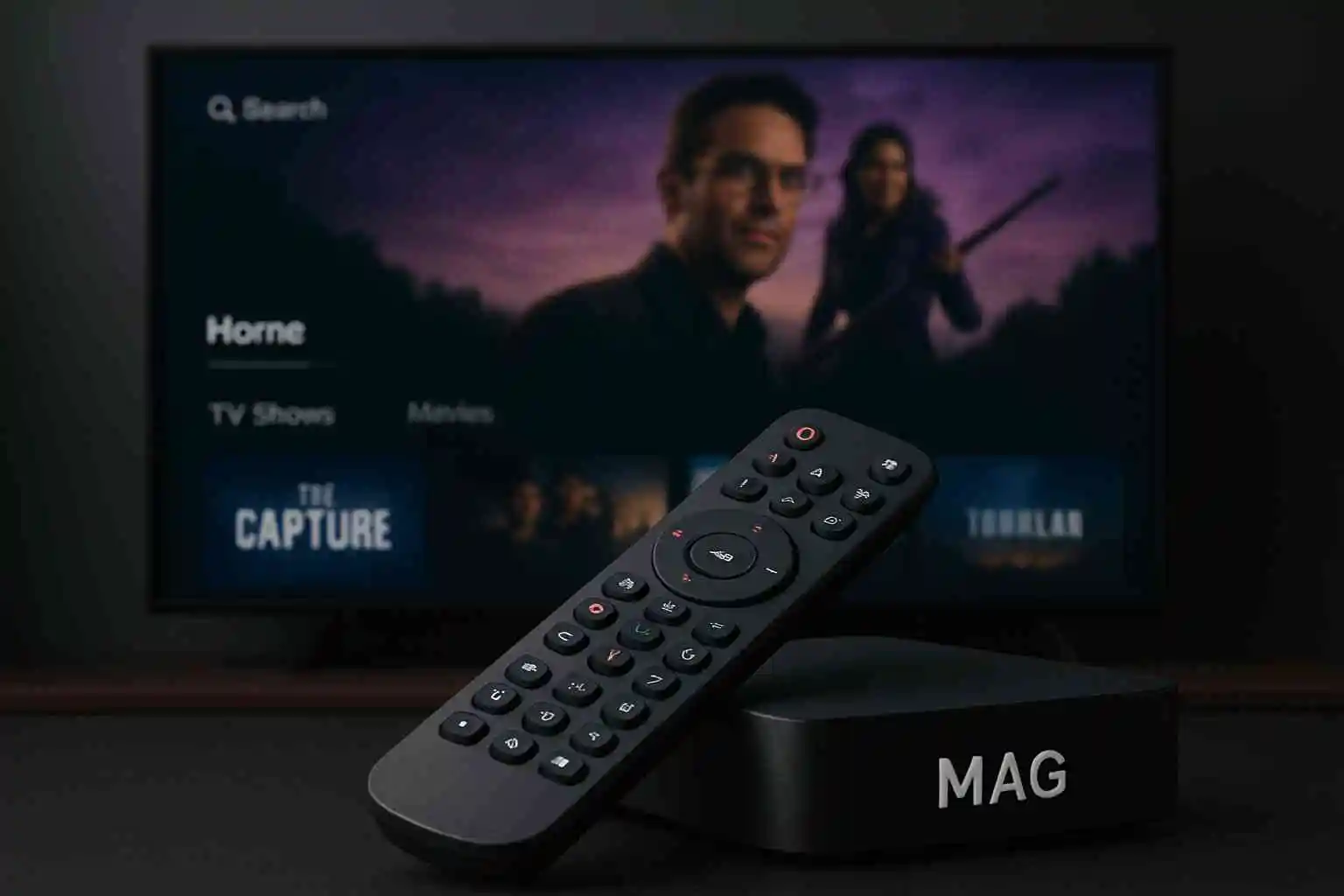
MAG devices are among the most stable IPTV boxes available today. The MAG device is widely trusted by everyday users because it delivers smooth performance, reliable streaming, and easy setup. With simple portal configuration and MAC‑address authentication, a MAG device makes it effortless to connect your Australia‑IPTV subscription and start enjoying live channels, movies, and series without hassle.

MAG Device IPTV Installation and Portal Setup Guide

1: Connect Your MAG Device

  • Connect your MAG box to the TV with an HDMI cable and power it on.

  • Connect to the internet using either an Ethernet cable for maximum stability or Wi‑Fi through the network settings. Ensure your internet speed is strong and stable, with at least 15–20 Mbps recommended for smooth IPTV streaming without buffering or interruptions.

2: Access System Settings

  • When the box loads, the main portal screen appears.

  • Press the SETUP/SET button on your remote.

  • Navigate to System SettingsServers

3: Configure Portal

    • In the Servers menu, select Portals.

    • Enter the following details:

      • Portal Name: (e.g., Australia‑IPTV)

      • Portal URL: The URL we provide.

    • Save the settings.

4: Restart the MAG Device

  • Exit the settings menu.

  • Restart your MAG device to apply the changes.

5: Log In and Stream

  • After reboot, the MAG box will connect to the IPTV portal.

  • Enter your subscription credentials if prompted (some providers use MAC address authentication, so login may be automatic).

  • Your IPTV channels, movies, and series will now load.

⚠️ Important Notes

Always connect using the official portal URL we provide to ensure maximum security and performance. Attempting to access IPTV services through third‑party links or unofficial portals may lead to technical errors, unstable connections, or even complete loss of access. By relying only on the trusted URL, you safeguard your subscription, protect your personal data, and guarantee that your streaming experience remains smooth, reliable, and uninterrupted. With Australia‑IPTV, you can enjoy your favorite channels in high definition without worrying about disruptions or unnecessary risks.


Share this article :

Want the perfect IPTV plan? Visit our Pricing page to compare all plans side by side and select the one that works best for you.

Discover Our Latest Blog Articles