How to Instal IPTV Smarters Pro on Firestick

Complete Guide: Installing, Configuring, and Optimizing IPTV Smarters Pro on Firestick Devices for Australian Streaming

Follow our step-by-step instructions to install and configure IPTV Smarters Pro on your Amazon Firestick, resolve common installation issues, and enjoy streaming your favorite channels in high-definition with ease.

In certain regions, Amazon Firestick does not permit direct installation of IPTV apps from the Amazon App Store.

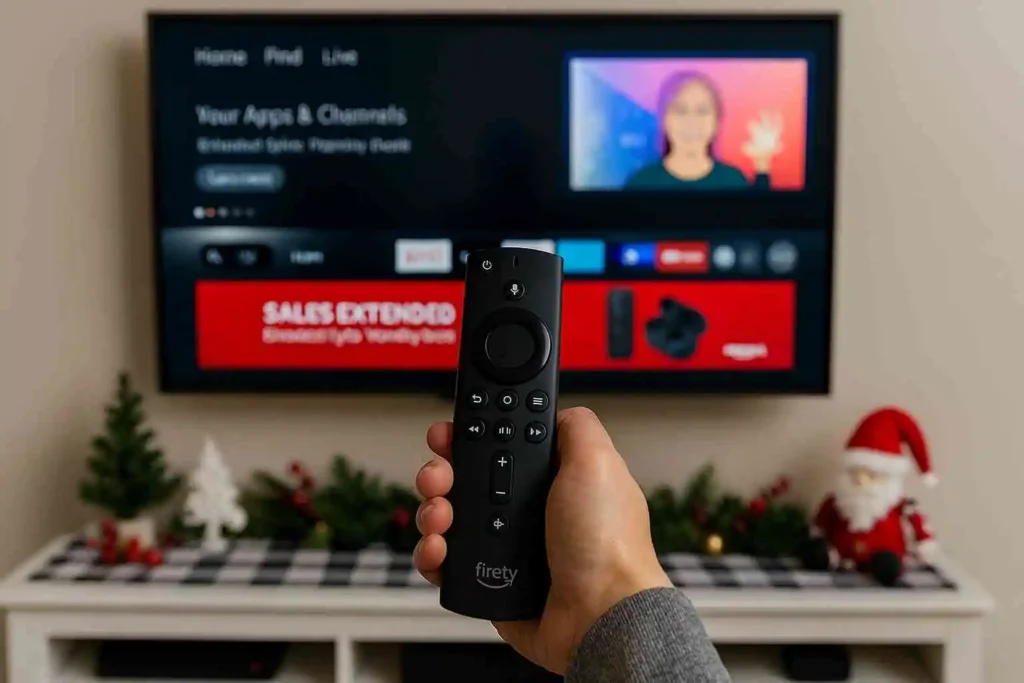
However, you can still access IPTV Smarters Pro by using the Downloader app. To do this, enable installation from unknown sources in your Firestick settings, install Downloader, enter the IPTV Smarters Pro download link, and complete the setup. This alternative method ensures reliable IPTV access even when official store restrictions are in place.

IPTV Smarters Pro Downloader App

1: Enable Apps from Unknown Sources

  • From the Firestick home screen, go to Settings.

  • Select My Fire TV (sometimes called Device).

  • Choose Developer Options.

  • Turn on Apps from Unknown Sources.

    • This allows you to install applications outside of the Amazon App Store.

2: Install the Downloader App

IPTV Smarters Pro Downloader App
  • Return to the Firestick home screen.

  • Go to the Search icon (magnifying glass).

  • Type Downloader.

  • Select the Downloader app from the results and click Download/Install.

    • This app lets you download APK files directly onto your Firestick.

3: Download IPTV Smarters Pro APK

  • Open the Downloader app on your Firestick.

  • In the URL field, you can either:

    1. Enter the official download link: https://www.iptvsmarters.com/iptv-smarters-5.0.apk

    2. Or enter the download code: 6468112

  • Click Go to start the download.

  • The APK file will download automatically.

  • Once downloaded, select Install to add IPTV Smarters Pro to your Firestick.

4: Launch IPTV Smarters Pro

  • After installation, return to the Firestick home screen.

  • Go to Your Apps & Channels.

  • Find and open IPTV Smarters Pro.

5: Add Your IPTV Subscription

  • On the IPTV Smarters home screen, click Add User.

  • Choose Login with Xtream Codes API.

  • Enter the subscription details provided by Australia‑IPTV:

    • Name: Smart IPTV

    • Username: XXXXX

    • Password: YYYYYY

    • URL: http://example.com:8789

  • Click Add User.

6: Start Streaming

  • Once logged in, your Live TV channels, Movies, and Series (VOD) will load automatically.

  • Use your Firestick remote to navigate categories and enjoy streaming.

⚠️ Important Notes

For your security, always avoid third‑party or unofficial websites when downloading IPTV applications. These sources may provide modified or unsafe files that can harm your device or compromise your data. We strongly recommend using only trusted platforms such as the official app stores (Samsung Smart Hub, LG Content Store, Google Play Store) or the Downloader app on Firestick to ensure you are installing the correct and safe version of IPTV Smarters Pro.

Share this article :

Want the perfect IPTV plan? Visit our Pricing page to compare all plans side by side and select the one that works best for you.

Discover Our Latest Blog Articles