
An IPTV free trial is a practical way to check whether a service’s channels, playback, and compatible-device setup suit your household before you commit to a paid plan. You can assess access on a device you plan to use, then decide whether the offer fits your needs. Trial conditions differ, so check them before you share personal or payment information.
Confirm the trial length, whether a credit card is required, what happens at renewal or expiry, and which players the service supports. An EPG, or electronic program guide, is the on-screen schedule that shows programs and their broadcast times. Check that your device can run a compatible IPTV player before requesting access.
Some offers may request only an email address, while others may ask for payment details. The stated terms should explain whether access ends automatically or requires cancellation. If you are comparing an Australian IPTV offer, review its current conditions on the provider’s own subscription plans page.
Key Takeaways
- Use a trial to assess channel fit, device compatibility, and playback.
- Check the length of access and its activation point.
- Read card, renewal, expiry, and cancellation terms before signing up.
- Confirm that your chosen IPTV player supports the supplied login format.
- Confirm the trial’s stated terms before sharing your email or payment details.
How to Start an IPTV Free Trial in Australia
Start by checking which login format the provider supplies, since the app must accept that format to load the trial. The right format depends on the player you choose, so confirm it before requesting access. Then follow the provider’s stated sign-up and activation steps.
Use only the trial details issued for your account, and keep them private. A free IPTV trial may require an email address, a verification step, or other information stated by the provider. The process can differ between services.
Request and Verify Your Trial Details
First, confirm the provider’s stated requirements. Submit the requested email, complete any stated verification, and retrieve the trial details through the account or delivery method the provider names. One sign-up flow uses a six-digit code sent by email, but other flows may use different steps.
Never share a verification code with someone who contacts you unexpectedly. Enter codes only in the sign-up flow you chose.
When the service issues access, keep its username, password, and server information together. Check that the details belong to the trial account you requested. If activation fails, use the provider’s listed support channel rather than sending account information to an unknown contact.
Enter Xtream Codes or M3U Details
An Xtream IPTV free trial typically uses three fields in a player that supports Xtream Codes: server URL, username, and password. Enter each value as supplied, including the complete server address. A player that accepts only a playlist may instead require an M3U playlist link.
TiviMate and IPTV Smarters Pro are examples of IPTV player apps, not guaranteed matches for every service or device. Check the app’s supported formats and the provider’s compatibility details before installing or entering a login. Some providers explain their Xtream Codes and M3U setup on a device setup guide.
Allow time for the player to load the account after you enter its details. If the app reports an error, compare the selected login format with the information provided, then check for typing mistakes. More device-specific instructions are available in the provider’s streaming setup articles. Keep the provider’s login details private and enter them only in the player you chose.
How Do Trial Lengths and Paid Terms Compare?
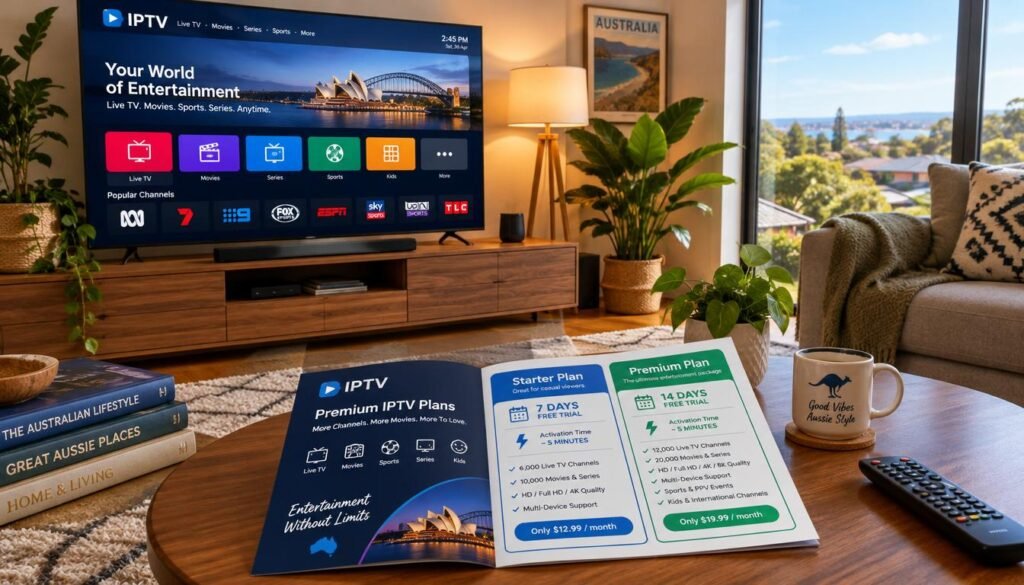
Trial listings can range from 24 hours to 2 days, so compare the stated duration and the moment the countdown begins. Activation time matters because two offers with the same length can expire at different times. Check the exact start and end points shown for your trial.
One stated 24-hour trial starts counting when the test line is created. That may differ from the time you first open the player, so note the stated activation event. The table shows the equivalent duration, not a promise about any particular service.
Compare 24-, 36-, and 48-Hour Trials
A 24-hour free trial equals one day, while a 36-hour IPTV free trial lasts one and a half days. A two-day offer equals 48 hours. The provider’s stated activation and expiry terms determine when you can use that time.
| Advertised trial | Equivalent time | What to confirm |
|---|---|---|
| 24 hours | 24 hours | Activation time and expiry |
| 36 hours | 36 hours | Activation time and expiry |
| 2 days | 48 hours | Activation time and expiry |
Check Three- and Five-Day Claims
A three-day IPTV free trial equals 72 hours, and a five-day free IPTV trial without a credit card equals 120 hours only when those exact terms are stated. Do not assume that a card is unnecessary because a listing describes an offer as free. Check the stated duration and any card requirement before you submit a payment method.
For a paid plan, check the total amount due, renewal or expiry behavior, cancellation rules, and the number of simultaneous screens on the provider’s own terms page. These details affect what happens after trial access ends. The Australian Federal Court’s 2026 eHarmony decision concerned disclosures about pricing, automatic renewal, and cancellation, as summarized in this subscription-practices case summary.
Compare the written terms with the offer shown during sign-up, especially when a payment method is requested. Save the expiry time and any cancellation instruction before activating a trial.
Which Channels and Features Should You Test?
Test the channels you actually watch at your usual viewing time, not just the first streams that load. Your routine is a better fit test than a broad channel count. For an Indian IPTV free trial, check the Indian-language and regional channels you watch, including their schedules in Australian time.
A channel count does not show whether your specific channels or programs are available. Check the service on your own device, since a listing cannot show how a feed plays on your home setup.
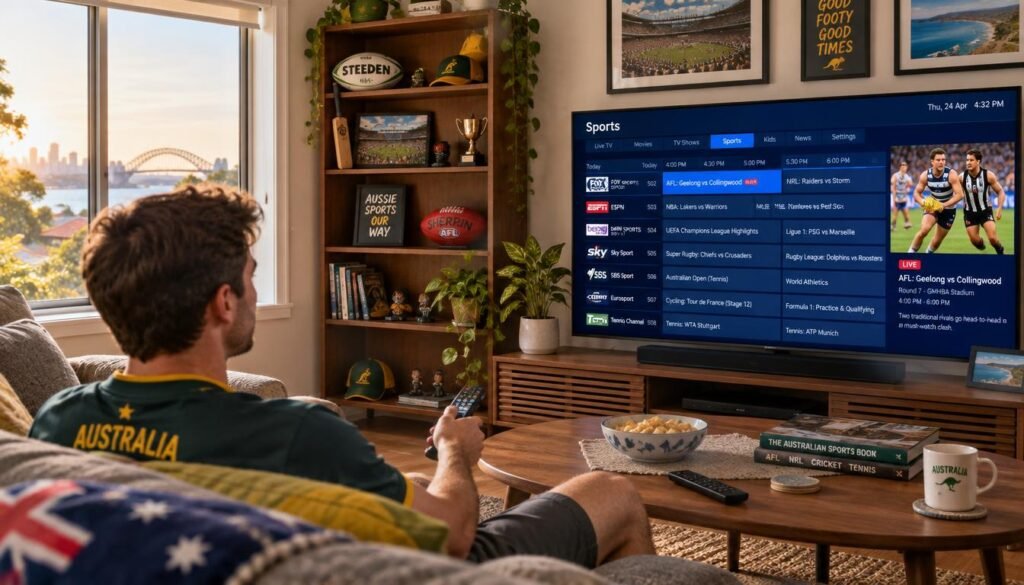
- Confirm the exact local and international channels you watch, rather than relying on a broad count.
- Test sports or other priority live programs at the time you usually watch them.
- Check movies and on-demand playback, including whether titles start and continue as expected.
- Verify the EPG schedule and picture quality on your device. Some listings advertise a 7-day EPG, while HD, FHD, and 4K feeds need practical checks.
- Review the provider’s terms and verify content rights. A channel listing alone does not establish licensing.
For a wider comparison of channel selection, live sports, guide quality, and device fit, consult this Australian IPTV service comparison. The Copyright Act 1968 (Cth) is Australia’s copyright law; the Australian Government outlines it in its copyright basics information.
A channel’s presence in a list does not establish permission to distribute it. Treat unverified channel rights as a reason to pause rather than as a feature to overlook.
Conclusion
Choose a trial only when its access method and terms are clear to you. A suitable service should provide compatible access, content that matches your needs, and subscription terms you can understand before paying.
Begin only after confirming the conditions that apply to your account. If setup needs help, use the provider’s available support channel and keep your login information private. Choose the device you expect to use for regular viewing, so the trial reflects your actual setup.
Confirm the conditions, then start the trial on the device you plan to use.